Termia
Termia is an open-source terminal workbench for working on local machines and SSH servers. The Electron client combines terminals, a host library, file browsing and transfers, resource monitoring, local Git views and a shell-based AI agent. These pages describe Electron; the native macOS client has its own manual.
Start with Getting Started, then follow the current feature guide for a complete workflow and the boundaries of this Alpha release.
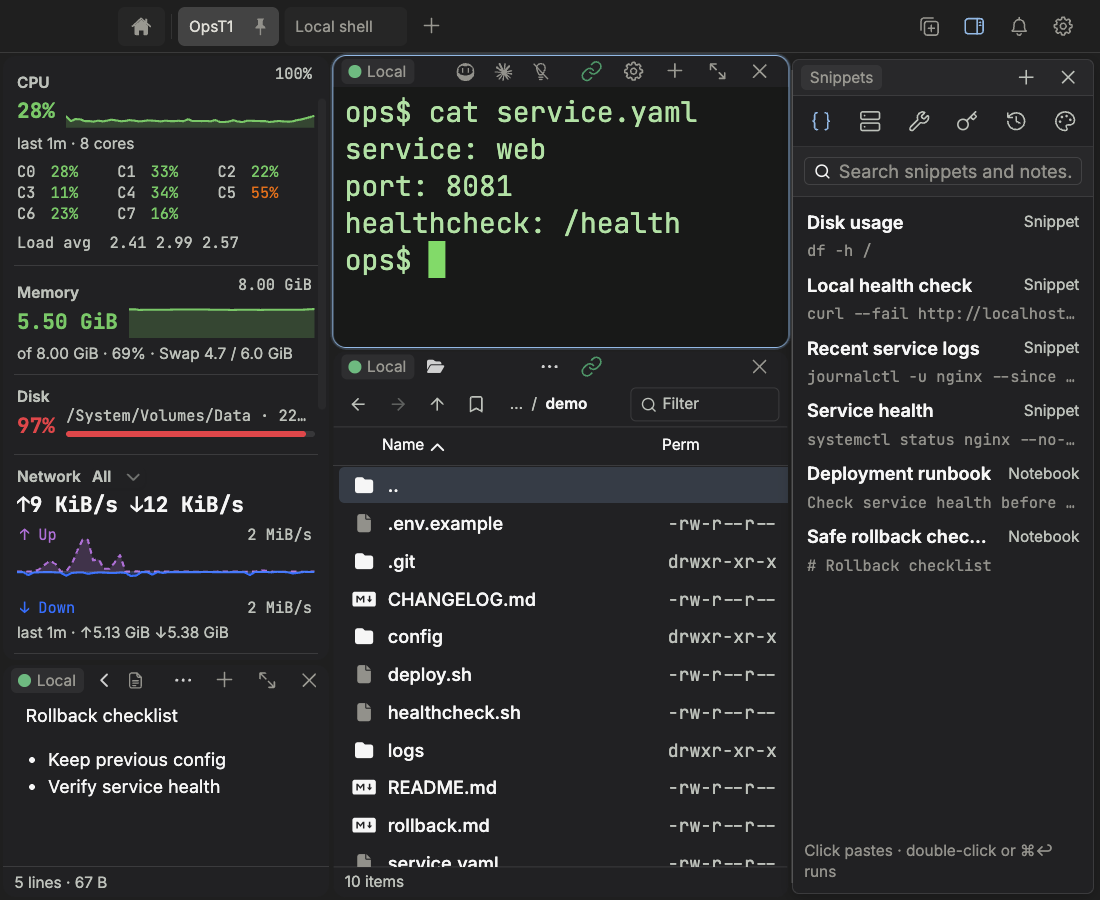
Choose a workflow
1 · Run a terminal task
Open a local terminal or select an SSH connection, then run your command in the active pane. Keep the connection indicator visible when switching between hosts; the same layout can contain local and remote terminals.
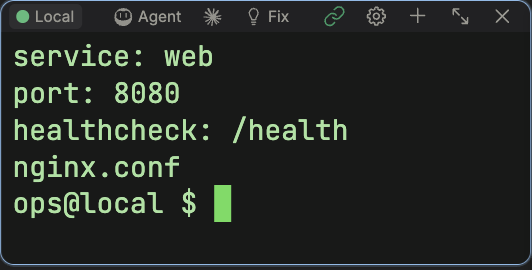
2 · Inspect resource usage
Select All in the monitor’s chart-type menu to place its overview beside the terminal and read CPU, memory, disk and network usage together while investigating a problem. Current samples and persisted trends help compare what changed; data is collected while Termia is running.
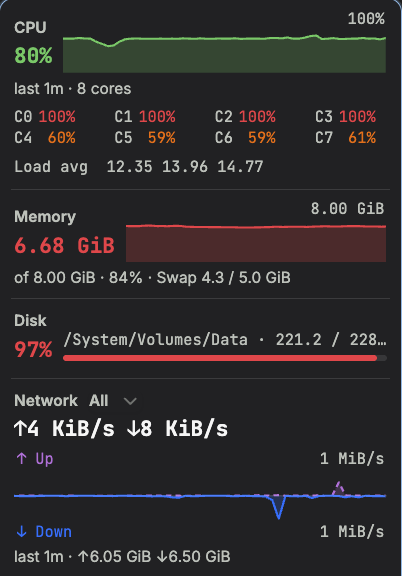
The monitor also adapts to a minimal vertical rail or horizontal strip, and can minimize to a live terminal bottom bar with hover details. See the illustrated monitoring guide for these layouts, restoration, history and Graphite/Neon skins.
3 · Work with files
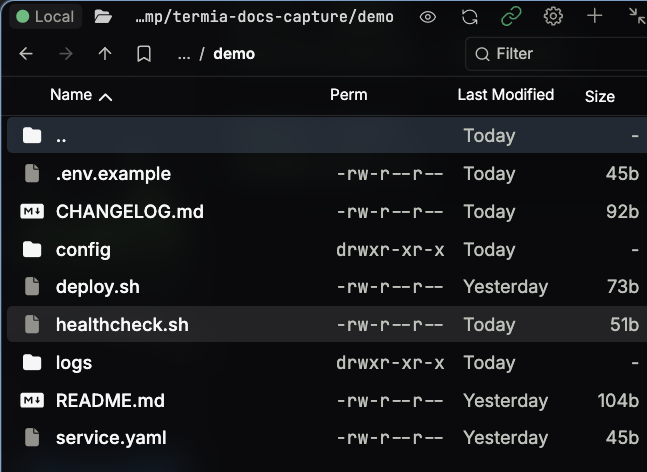
Browse the directory associated with the selected connection, choose a file, then preview, edit or transfer it. Confirm the target host and path before saving or copying; a file preview itself does not modify the file.
4 · Reuse saved resources
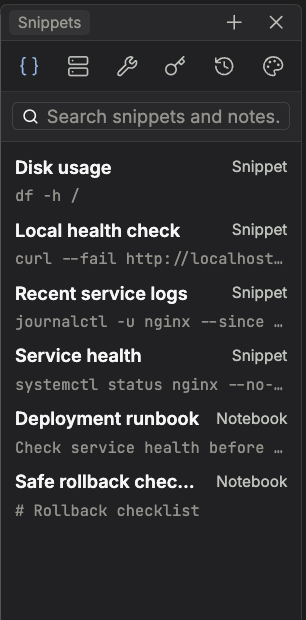
Use the library to select saved hosts and organize command snippets, notes and environment entries. Save a repeatable command once, then choose it for the appropriate terminal instead of retyping it across hosts.
5 · Configure an Agent deliberately
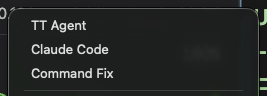
TT Agent is built into Termia. Configure its provider and model, then choose the Agent terminal mode. The screenshot shows the entry or configuration surface; it does not show a running task.
| Task | Read next |
|---|---|
| Save and connect to servers | Hosts and Vaults, Connections |
| Browse, edit and transfer files | Widgets, Feature guide |
| Diagnose a server | Feature guide, Termia Agent |
| Organize terminals | Tabs, Workspaces, Layout |
| Reuse commands, notes and variables | Hosts and Vaults |
| Choose a model with your own key | Termia Agent |
| Sync or export library entries | Vaults Sync and Versioning |
| Change appearance and shortcuts | Customization, Key Bindings |
| Configure custom blocks | Custom Widgets, Presets |
| Automate the app from a shell | wsh Command, wsh Reference, wsh Architecture |
| Inspect configuration or privacy | Configuration, Telemetry, FAQ |
Local terminals, saved hosts and custom model providers work without a Termia account. Cloud sync and built-in model services need a configured service and sign-in. Other CLI agents can run in terminals, but their installation, authentication and functionality are tool-specific; TT Agent's model selector is not a shared credential manager for every CLI.
See the native macOS manual for platform-specific UI, shortcuts and migration. Report issues in GitHub Issues.