Layout
A tab stores a layout tree of rows, columns and leaf panes with nested splits. Terminal, File, Web, Monitor and local Git are leaves; dual-pane SFTP is a switchable tab-level file mode.
Adding and splitting
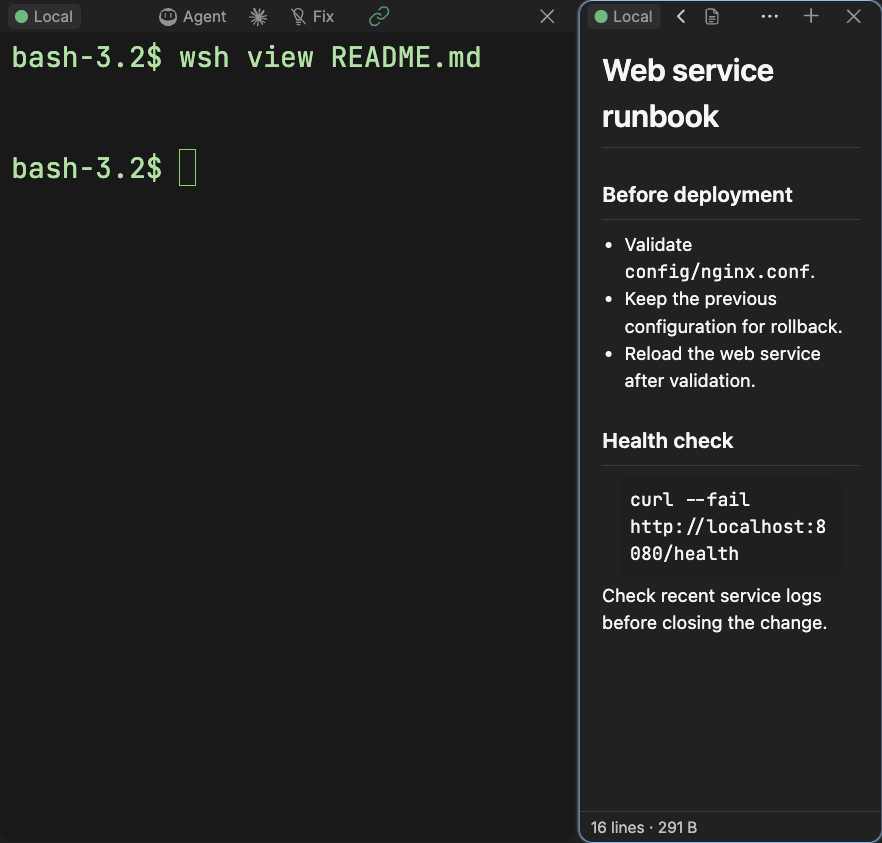
Choose a type from Add Pane (+) in the tab bar or a pane header. It splits to the right by default; hold Alt/Option to split down. Insufficient space reports a limit instead of creating unusable panes. Terminals inherit connection and cwd; files/monitors inherit connection. Git paths remain local.
Use Split right/down to create a terminal, or Ctrl+Shift+S then an arrow for a specific direction. Escape cancels; another key cancels and remains input. Shortcuts resolve by platform and preset: see the effective reference. New Window is no longer the old Add Block action.
Move a block
Drag a pane header. Target edges insert in that direction; the center swaps positions, and outer regions can insert at the parent level. Drop feedback determines the actual location. The workbench sidebar is independent of the layout tree and is not a pane drop target.
Resize a block
Drag dividers to change neighboring row/column proportions. Directional resize and equalize actions are also available. Closing a pane lets the others fill its space proportionally. Minimum sizes prevent controls disappearing entirely.
Magnifying a block
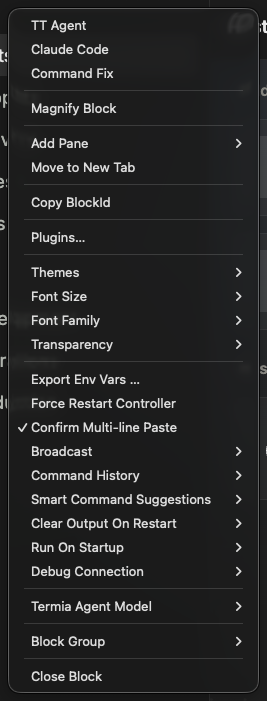
Magnify temporarily enlarges a pane over the layout without changing the tree; repeat to restore. The recommended preset uses Ctrl+Shift+Enter (Mac ⇧⌘Return), subject to the effective table. Single-pane tabs need no magnify. Size and backdrop blur are configurable.
Focus and close
Click a pane or use directional/index actions. Indexed focus uses physical digit keys; IME/text fields follow their own scopes. Close controls release a pane; interactive programs may require confirmation. Closing the last pane of an unpinned tab closes the tab; pinned tabs keep at least one pane.
Temporary previews and restoration
Config previews can open a floating temporary pane; Add to Layout makes it a normal retained leaf. Persisted layout stores pane types, metadata and proportions, not a guarantee of running remote-process survival. Use tmux/screen when a server job must survive app exit or SSH disconnection.
See Tabs, Workspaces and Widgets.
Monitor panes adapt automatically to full, vertical and horizontal layouts; the terminal bottom strip keeps readings live when minimized. See Monitoring for the illustrated modes and monitor skins.